One install.
Running by tomorrow.
VantagePoint sets up Susan remotely on your server. Load your templates, add your team, and it's live. Your fee earners interact through a browser — the AI handles the admin in the background.
Susan runs on a GPU-capable server you own or control. Two deployment options — office hardware or a UK-hosted dedicated instance. Either way, your client data stays on UK infrastructure you control.
Install with one command
Susan ships as a Docker Compose stack. On any server running Docker, a single command pulls the application, database, AI engine, and workflow automation platform. Everything is configured to work together out of the box.
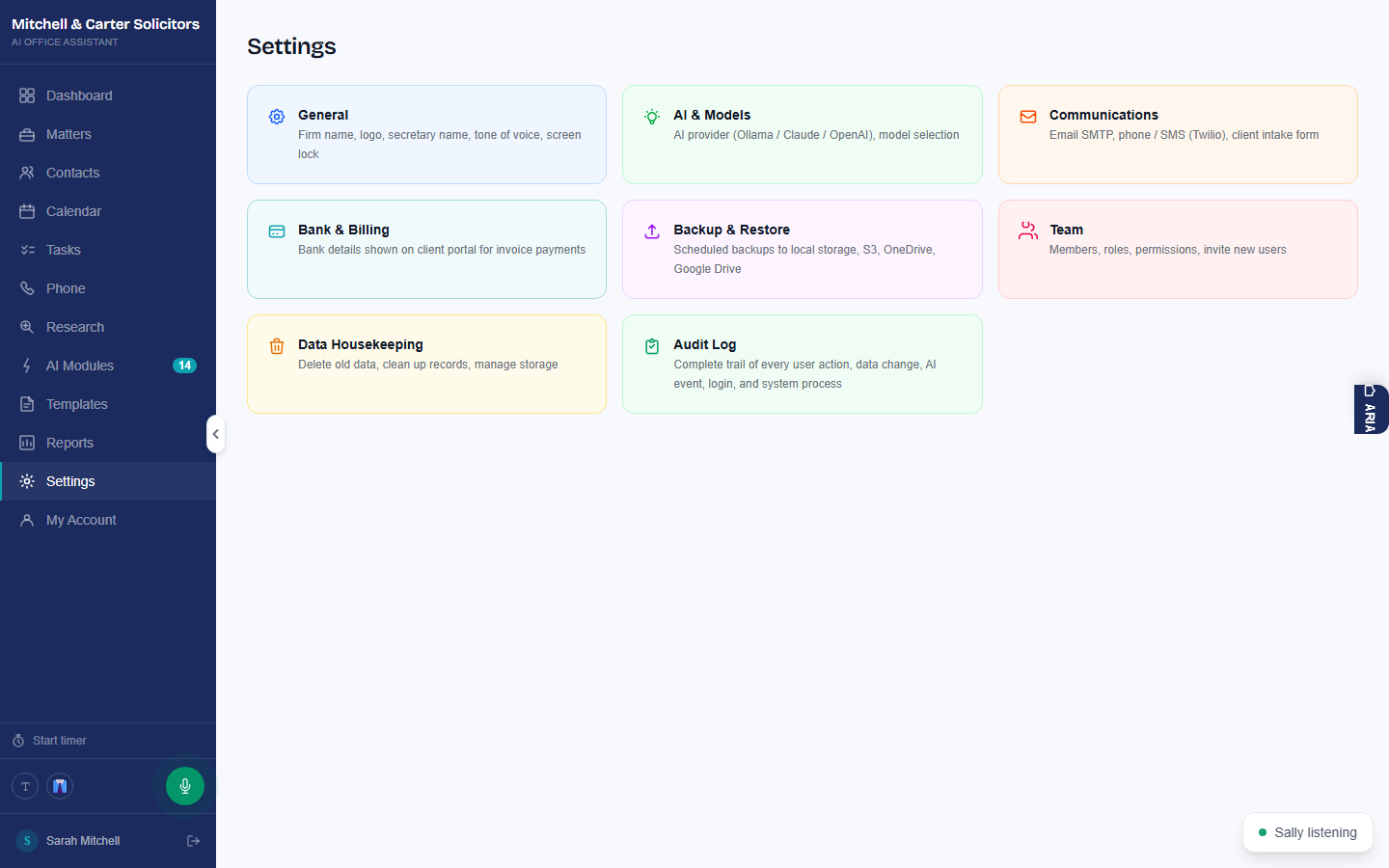
Configure your firm's settings
Add your team, assign roles, and upload your firm's document templates and precedents. Then choose which AI model to run — you have full control. Pick a smaller, faster model for quick tasks or a larger, more capable one for complex drafting.
- Invite team members by email and assign roles
- Upload your firm's own templates and precedents
- Choose your AI model — total local LLM control
- Enable the automations your firm needs
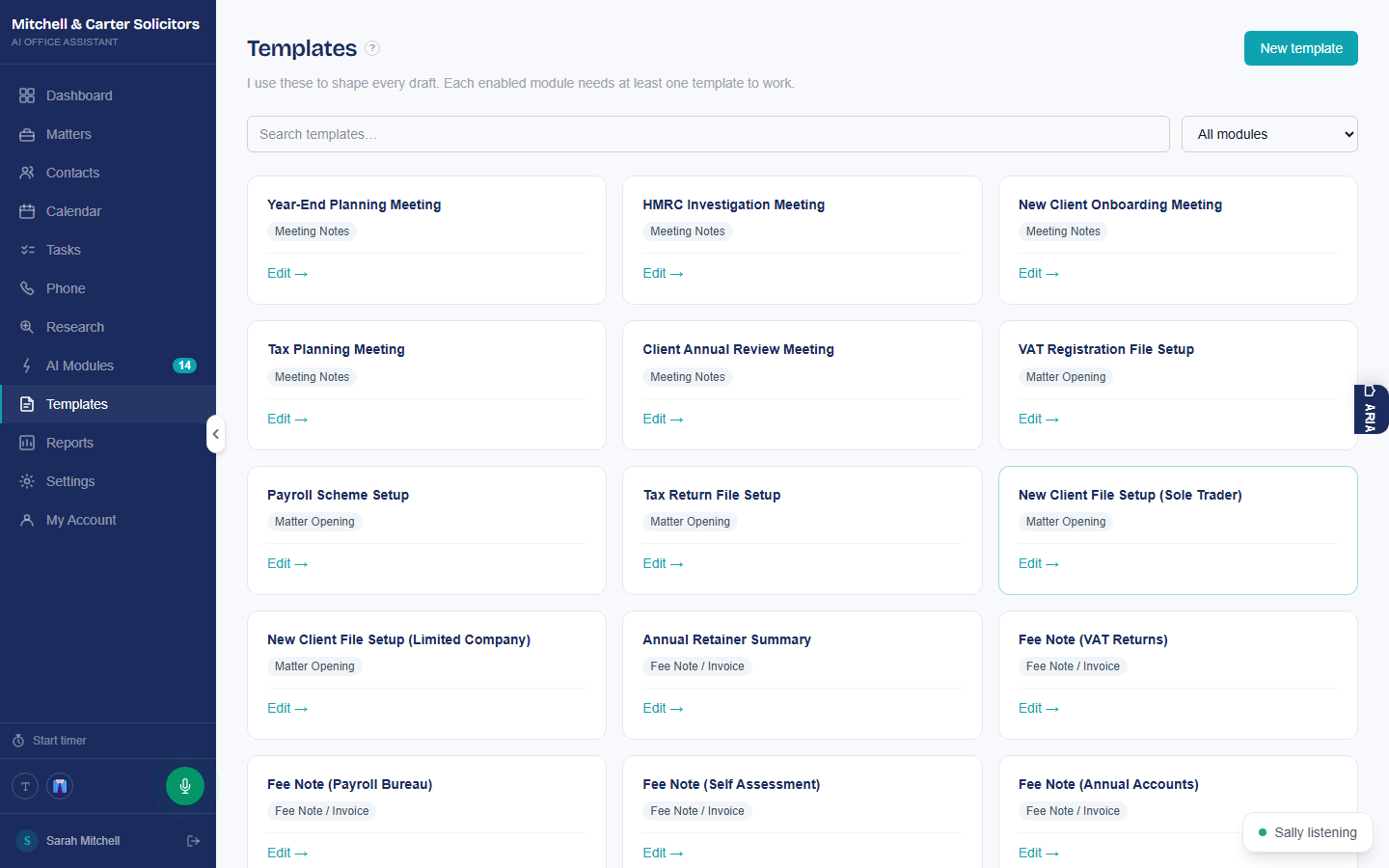
Work normally. AI handles the rest.
Once configured, Susan runs in the background. When a new matter opens, compliance documents are drafted automatically. When key dates approach, your team is notified. When time is recorded, invoices are ready to review.
Your fee earners interact with a clean browser interface. They review AI-generated documents, approve them, and get on with legal work. The system handles the admin.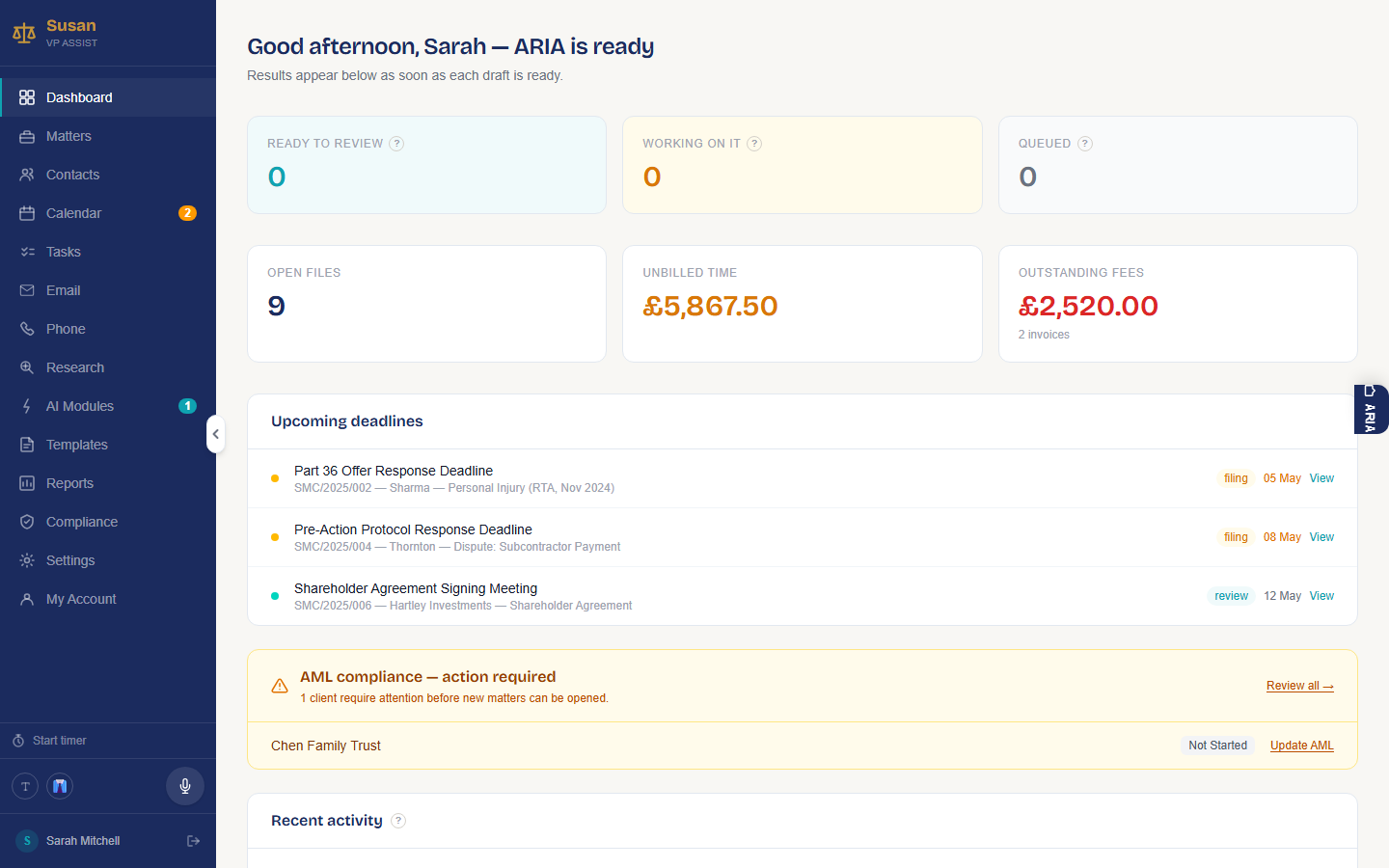
Your data never leaves your server
Every component of Susan runs inside Docker on a server you control — app, database, and AI model. Office hardware or a UK-hosted dedicated instance. Your client data, documents, and AI queries never touch any external infrastructure. Not ours, not anyone else's.
Accessed via any browser on your network. Works in Chrome, Firefox, Edge, and Safari. For office deployments, staff access over the local network. For UK-hosted instances, access is via HTTPS — VPN configuration available for additional security.
See it in 30 minutes
Book a demo and we'll walk you through the full install and setup process, live, on a call.